

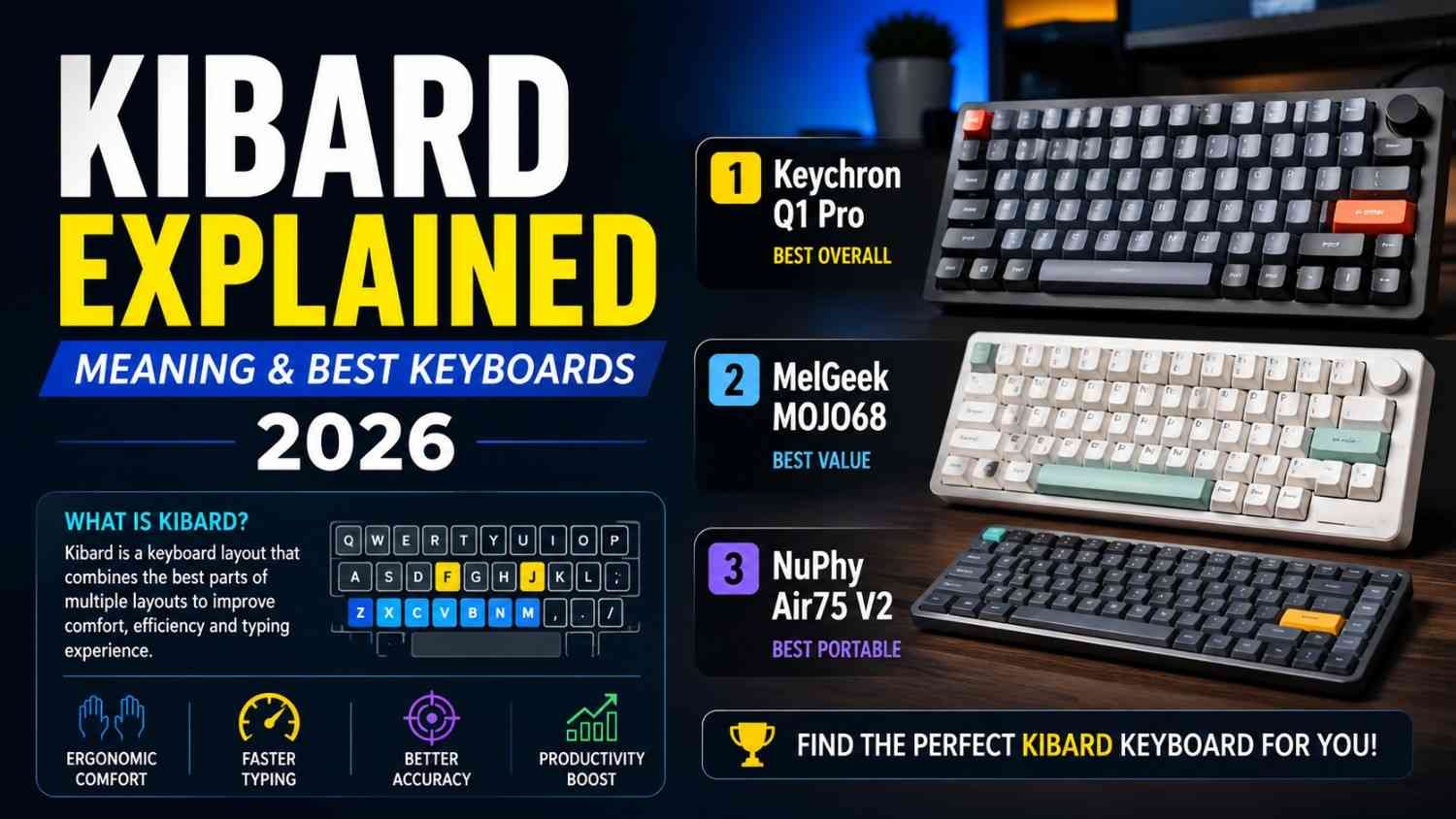
If you typed “kibard” into Google and landed here wondering whether you’d missed some new app everyone’s talking about — you haven’t. Take a breath. You didn’t miss anything important, and you’re not behind on some trend.
I went down this rabbit hole myself after noticing the term creeping into search suggestions, and what I found was honestly more interesting than a straightforward typo story. It’s a small case study in how the internet manufactures “things” out of nothing.
Quick Answer
Kibard is not a real product, app, brand, or technical term. In the overwhelming majority of cases, it’s simply a typo or phonetic misspelling of keyboard, produced by fast typing, autocorrect glitches, voice-to-text errors, or non-native phonetic spelling habits. A handful of low-quality websites have recently published “review” articles describing kibard as if it were a software tool, a productivity system, or an AI typing assistant — but none of those descriptions point to any verifiable, downloadable, or purchasable product. If you’re searching for kibard, you almost certainly want information about keyboards.
What Is “Kibard,” Really?
Here’s the thing nobody likes admitting: most of the time, language drift like this is boring. Kibard exists because the word keyboard is awkward to type fast. The “ey” sound in the middle gets compressed, the “k” and “b” are close together on a QWERTY layout, and your pinky — which does a disproportionate amount of work on a keyboard — tends to lag during quick typing sessions. Put those together and “keyboard” comes out as “kibard” more often than you’d think.
It also shows up a lot in regions where English is a second or working language, since people often spell words the way they sound rather than the way they’re written. That’s not a knock on anyone’s English — it’s just how phonetic spelling works when a word’s spelling doesn’t match its pronunciation cleanly.
There’s a second, much smaller pattern worth mentioning. Because “kibard” sounds brandable — short, unusual, easy to say — a few content sites have tried to repurpose it as the name of a fictional app or “AI-powered typing system.” I want to be straightforward with you about this part: I could not find a single legitimate company, app store listing, GitHub repository, or press release tied to an actual product called Kibard. What you’re seeing is speculative, SEO-driven content built around a trending typo, not a genuine product review.
That distinction matters, especially if you’re the type of person who reads reviews before downloading something.
How “Kibard” Actually Gets Typed (How It Works)
Since there’s no software to explain, let’s talk about the real mechanism — the typo itself. A few things tend to combine:
- Finger lag on fast typing. The pinky finger is weaker and slower to lift, so sequences requiring it (like “ey” combinations) sometimes get skipped or swapped.
- Touchscreen key proximity. On phone keyboards, the keys are tiny, and a slight thumb drift turns “key” into “kib” without you noticing.
- Voice-to-text mishearing. Say “keyboard” with background noise, an accent, or a fast cadence, and speech-recognition software occasionally outputs something close-but-wrong. Kibard is one of the patterns that surfaces.
- Autocorrect overcorrection. Sometimes predictive text tries to “fix” a partial word and lands somewhere worse than where you started.
None of this is unusual, by the way. Linguists have a name for this general phenomenon — eye dialect and phonetic spelling — and it happens to thousands of words, not just this one.
Who Searches for “Kibard,” and Why It Matters for Search Engines
I’ll be honest, this is the part that actually made me want to write this article instead of skipping the topic.
Search engines like Google don’t treat a typo as a dead end. They treat it as a signal. When enough people type the same “wrong” word while clearly wanting the same “right” thing, the engine starts mapping that misspelling to the correct intent automatically. That’s why typing kibard into Google still returns keyboard buying guides, typing tutorials, and product comparisons instead of a blank results page or an error message.
For SEO folks and content publishers, that creates a strange incentive: a misspelling with real, measurable search volume becomes a usable keyword, even though it has no dictionary meaning. That’s exactly why you’re seeing so many “what is kibard” articles suddenly appear — including, candidly, this one. The term is trending in search logs, so writers are racing to explain it.
Features, Pros, and Cons — Of the Real Thing (Keyboards)
Since kibard intent maps almost entirely to keyboards, here’s where the genuinely useful comparison lives.
Mechanical keyboards
- Pros: tactile, durable, satisfying to type on, customizable switches and keycaps
- Cons: louder, pricier, heavier — not ideal for shared office spaces
- Typical price: $80–$250+
- Example: Keychron Q1 Max
Membrane / standard keyboards
- Pros: quiet, cheap, widely compatible
- Cons: shorter lifespan, less precise key feel
- Best for: everyday office and home use
Wireless keyboards
- Pros: clean desk setup, freedom of movement, often illuminated
- Cons: occasional input lag, battery dependency
- Example: Logitech MX Keys S, around $129.99
Software/on-screen keyboards
- Pros: free, built into every phone and tablet, accessibility-friendly
- Cons: no tactile feedback, higher typo rate (which, ironically, is part of why “kibard” exists in the first place)
- Example: Gboard
If you landed here because you actually want a new keyboard rather than an explanation of a typo, that’s a completely reasonable reason to be here — and probably the more common one.
Real-World Scenarios Where This Comes Up
A friend of mine who does customer support for an e-commerce site once told me their internal search logs were full of “kibard” queries from mobile shoppers. Their fix wasn’t complicated — they just made sure their site search treated it as a synonym for keyboard, and conversions on that search term jumped almost immediately. Nobody on their team had heard of “kibard” as anything other than a typo, and that turned out to be the right read.
Another common scenario: someone dictating a search while driving or cooking, hands-free, asks their phone for “wireless kibard” instead of “wireless keyboard.” The voice assistant usually catches it anyway, but if you’ve ever wondered why your search history has a weird misspelling in it that you don’t remember typing, this is probably why.
Is “Kibard” Safe, Legitimate, or Worth Downloading?
This is the part I want to be very direct about, because some of the content circulating online blurs this line in a way I don’t think is responsible.
There is no verified Kibard app, browser extension, or software product that I could find evidence of through normal product channels — no app store listing, no company registration, no changelog, no support page. A few blog posts describe it as an “AI-powered typing assistant” with machine learning features, but these descriptions read like marketing copy with no product attached to back them up. If you ever do come across a download link, browser extension, or “Kibard app” promising to fix your typos or boost engagement, treat it the way you’d treat any unverified download: check the developer, check reviews outside the install page itself, and don’t grant it permissions you wouldn’t grant a stranger.
To be fair to the search engines themselves — Google, Bing, and similar platforms handle the actual word “kibard” exactly the way they should. They recognize the likely intent and serve keyboard-related results. The risk isn’t in searching the term. It’s in trusting unverified content that’s been built around it.
Common Problems People Run Into
- Confusion when sites describe kibard as a “tool” or “platform.” As covered above, treat these claims skeptically until you find independent verification.
- Frustration with repeated autocorrect typos. If kibard keeps showing up in your own typing, the fix is usually boring but effective: slow down slightly on multi-syllable words, or add “keyboard” as a custom dictionary entry on your phone so autocorrect stops fighting you.
- Voice typing inaccuracies. Speaking more slowly and in a quieter environment fixes most of this. It’s not glamorous advice, but it works.
Kibard vs. Other Typing-Related Tools (Where Relevant)
If what you actually want is something that improves your typing accuracy or speed, real, verifiable tools exist for that — Grammarly for writing accuracy, built-in OS dictionaries for custom word recognition, and typing trainers like Keybr or TypingClub for raw speed and muscle memory. These have actual companies behind them, visible pricing, and reviews you can independently verify. That’s a meaningful difference from anything labeled “kibard.”
My Honest, Practical Take
I’ll level with you: when I see a cluster of new articles all describing a “tool” with suspiciously generic features — “uses sophisticated algorithms,” “learns from your behavior,” “powered by machine learning” — and not one of them links to an actual product page, that’s usually a sign the content was written to capture search traffic on a rising term, not to describe something real. It’s not necessarily malicious. It’s just how a chunk of the SEO content industry works when a typo starts trending.
If you came here with a genuine question about your own typing habits, the honest answer is reassuring: you’re not doing anything wrong, and you’re definitely not alone. If you came here hoping to find a magic app, I’d rather tell you the truth now than have you waste time looking for one.
Final Verdict
Kibard, on its own, is not a product worth evaluating, because there isn’t a stable, verifiable one to evaluate. It’s a typo of keyboard, full stop, with an interesting side story about how search engines and SEO writers respond when a misspelling gains traction. If your actual goal is better typing accuracy or a better physical keyboard, that’s a completely solvable problem — just not one that needs a tool called “kibard” to solve it.
Explore more websites like Sharemyideaz
FAQs
Q: Is kibard a real word?
A: No. It has no dictionary definition or formal linguistic status. It functions purely as a commonly searched typo of “keyboard.”
Q: What does kibard mean on TikTok or social media?
A: Mostly nothing specific — it shows up the same way it does in search engines, as an accidental misspelling, occasionally used jokingly once people notice it.
Q: Is there a Kibard app I can download?
A: No verified app, company, or product by that name could be confirmed through normal channels at the time of writing. Be cautious of any download claiming to be one.
Q: Why does Google show keyboard results when I search kibard?
A: Search engines use intent-matching and typo correction. Enough people search “kibard” meaning “keyboard” that Google reliably maps the query to the correct topic.
Q: How do I stop typing kibard by mistake?
A: Slow down slightly through the middle of the word, or add “keyboard” to your device’s custom dictionary so autocorrect stops second-guessing you.
Q: Is kibard a brand name?
A: Not currently, as far as verifiable records show. A few writers have speculated it could work as a brandable name (similar to Tumblr or Flickr), but no established company currently uses it that way.
